Laptop screen replacement
The LCD panel decides how good the picture on your laptop is. When it gets damaged, working on the laptop quickly becomes frustrating. Here is when a replacement makes sense and how we do it.
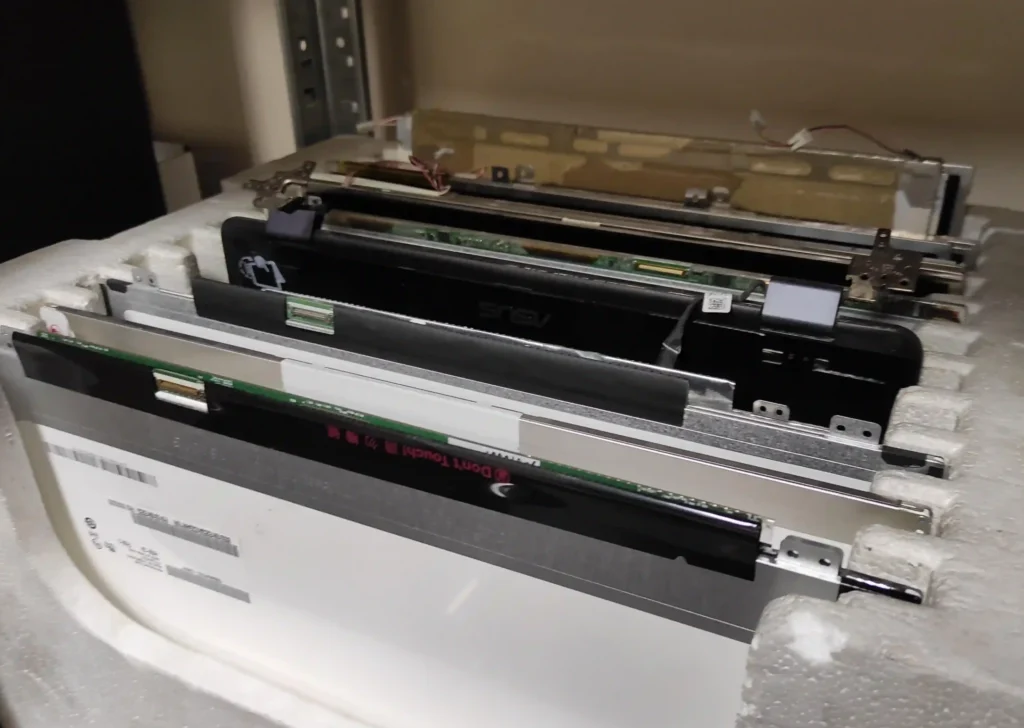
When the screen needs replacing
- Physical damage. A fall, a knock or closing the lid on an object can crack the panel. A cracked screen cannot be repaired, only replaced with a new or used one.
- Lines, spots and dead pixels. These usually mean the panel itself is failing.
- Wrong colours. Faded or changing colours can point to a faulty panel.
- A problem elsewhere. Sometimes the fault is in the cable or the graphics chip, not the screen. That is why we always start with a diagnosis, so you do not pay for a panel you do not need.
How we replace a laptop screen
- Diagnosis. We find the real cause of the problem.
- Removing the old panel. This needs care, so nothing else gets damaged.
- Fitting the new panel. We check the part number so the new panel matches your model exactly.
- Testing. We check the picture, colours and all functions before you collect the laptop.
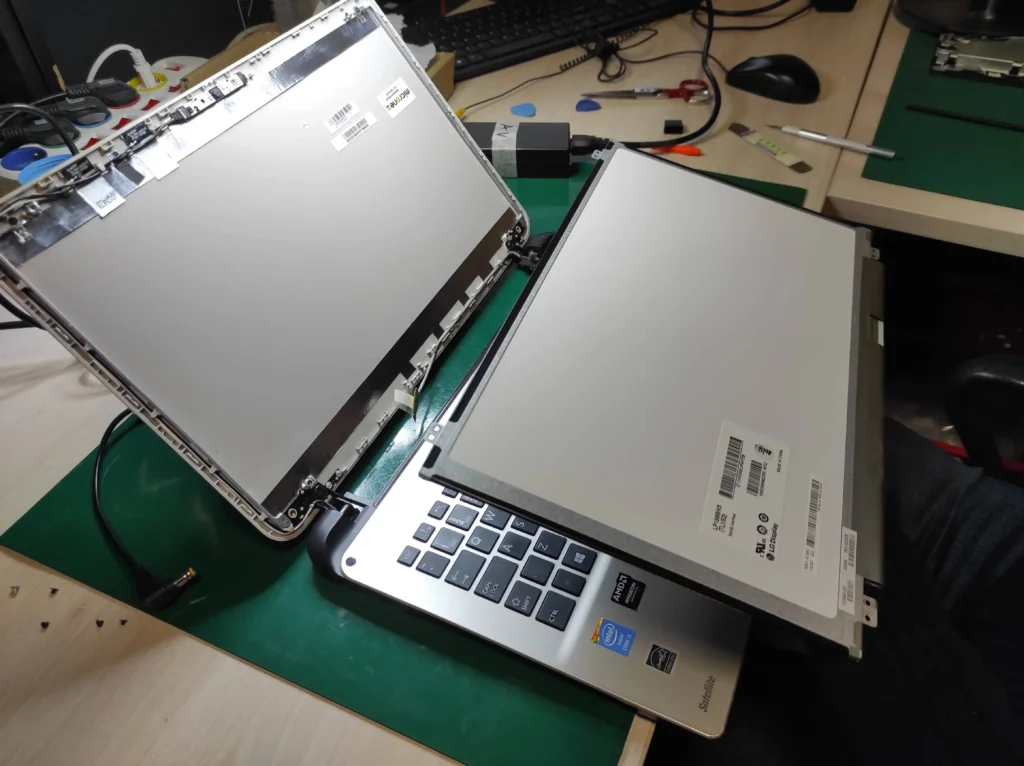
A panel from another, older laptop usually will not fit: screens differ in type, mounting, connector position and even internal firmware.
How much does it cost?
The price mostly depends on the panel itself: its size and type (standard, high refresh rate 120–144 Hz, OLED), how it is mounted and whether it has a touch layer. Popular 15-inch panels are usually the cheapest. After agreeing with you, a broken screen can sometimes be replaced with a used one. We always tell you the price and time before the repair.
Broken screen?
Call 729 40 50 45 or see how to find us. Free parking for customers.