Data recovery from drives, SD cards and USB sticks
Photos, work files and documents are often kept in only one place. When that drive fails, the data can still be recovered in many cases, even difficult ones.

Hard drives
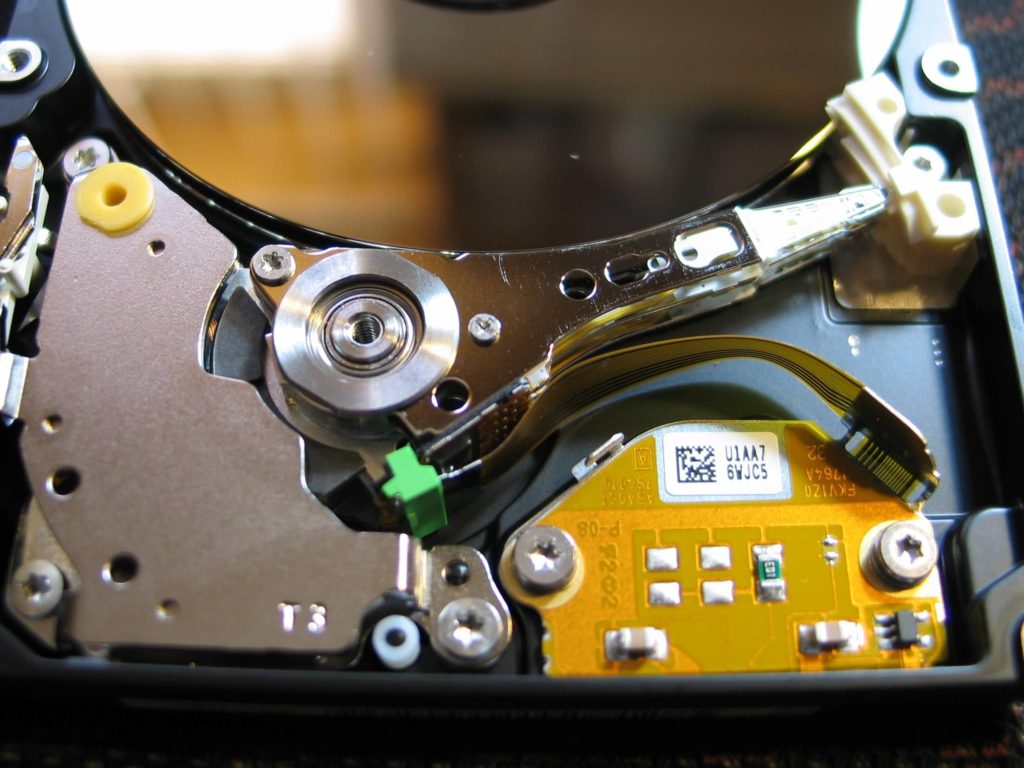
A hard drive contains electronics, spinning magnetic platters, read heads and a motor. Any of them can fail, and drives are sensitive to power surges and knocks. Data is also lost through logical damage: a file system error, formatting, viruses or encryption.
What you can try yourself
If the drive works normally (no clicking or grinding sounds), you can try a free recovery program such as Recuva. Never save the recovered files to the same drive. Save them to another, working drive.
If the drive clicks, is not detected or the program does not help, stop using it and bring it to us. We start with a diagnosis, choose the recovery method and give you the price before we begin.
SD cards and USB sticks
If you deleted photos by mistake, do not take any new pictures on the same card. Every new file can overwrite what you want to recover.
If the card or USB stick is damaged, stop using it. During the diagnosis we check the damage and suggest the safest recovery method. We hand over the recovered files on any medium, yours or a new one.
The best protection
A backup. Make one regularly and always before reinstalling the system. Liquid damage is another common way to lose data, see what to do after spilling liquid on a laptop.
Call us
Call 729 40 50 45 or see how to find us.